
Enabling and Disabling User Accounts |

|

|

|
||
Enabling and Disabling User Accounts |
|
|

|

|
Enabling and Disabling User Accounts |
|
|
|
||
Enabling and Disabling User Accounts |
|
|
|
|
When you create a user account it is enabled by default. It is also possible to disable and enable user accounts as required.
1.Select Users in the main menu bar.

2.Ensure the domain is selected in the List Panel.
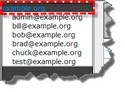
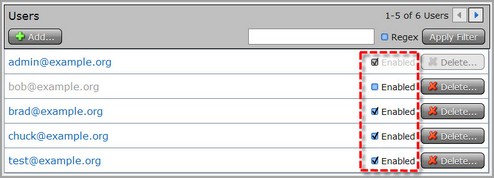
3.Click the Enabled check-box to enable and disable users as required. Note: A user account which has been disabled is greyed out in the list of user accounts.
4.Click Ok in the confirmation check-box to confirm the new setting.
|
Important Note: It is also possible to enable and disable a user account from the Users page which is used to manage user accounts. |

